Encrypted connections
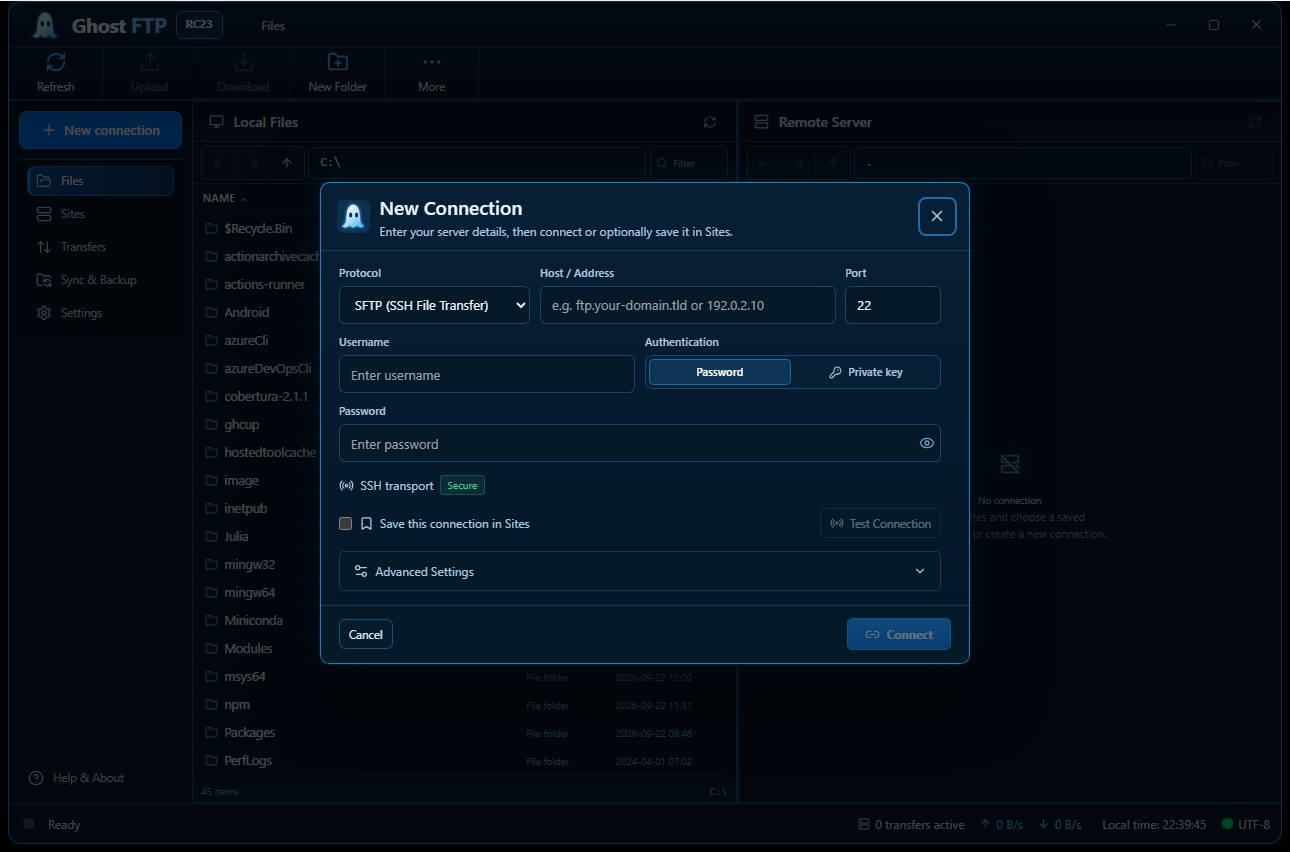
SFTP (SSH) and FTPS (TLS) encrypt all traffic, including credentials and file contents.
Privacy first
Ghost FTP keeps connection details secure and files private. Desktop transfers connect directly to your chosen server. The browser version uses a transient Ghost FTP FTP/FTPS gateway and does not intentionally store your FTP credentials or transferred file contents.
Six layers of protection
SFTP (SSH) and FTPS (TLS) encrypt all traffic, including credentials and file contents.
In the desktop app, saved credentials are encrypted on your computer. In the browser version, passwords are not saved in browser storage; they are sent over HTTPS only when needed for the requested web FTP/FTPS operation and are not intentionally persisted by Ghost FTP.
Use an SSH key instead of a password, with support for passphrases and agent keys.
File size and checksum are verified after transfer to make sure every file is complete.
The server fingerprint is shown on first connection and checked every time after that.
The desktop app does not send file contents or saved server credentials to Ghost FTP. The web FTP/FTPS/SFTP gateway processes only the connection and file data required for the operation you request and does not intentionally persist that session content.
Recommendations
A few simple settings add another layer of protection for your servers and files.
Your rights